Black Friday gets all the attention. But most of the emails that matter in December aren't selling anything.
They're asking a donor for a year-end gift, telling residents their garbage day is moving, reminding members to renew, or letting employees know when the office closes. Here's the problem: from late November to December 31, those emails land in the same inbox as every retail promotion out there. It's like trying to have a conversation in a shopping mall the weekend before Christmas. You can still be heard, but you need to be clear, relevant and well-timed. The stakes are real. For the average nonprofit, December brings in about 40% of a year's online one-time donations, and December 31 alone accounted for 5% of 2024 online revenue (M+R Benchmarks, via Neon One). For everyone else, the logic is the same: the emails you send in the next six weeks are some of the most important of your year. Whether you're writing to donors, residents, patients, students, members or your own colleagues, this checklist is for you. Each step comes with real examples from different sectors that you can adapt today.
The Year-End Dates That Shape Your Emails
Before you write a single subject line, put these dates on your calendar:
- Friday, November 27 (Black Friday): inboxes are at their most crowded. Unless it's urgent, don't send your most important message that week.
- Tuesday, December 1 (GivingTuesday): the unofficial start of year-end giving in Canada.
- Mid-December: the moment to announce holiday closures and service changes, before people leave for the break.
- Thursday, December 31: the last day donors can give and get a receipt for 2026.
- January: renewals, thank-yous, year-in-review and planning messages. Everyone else goes quiet. You don't have to.
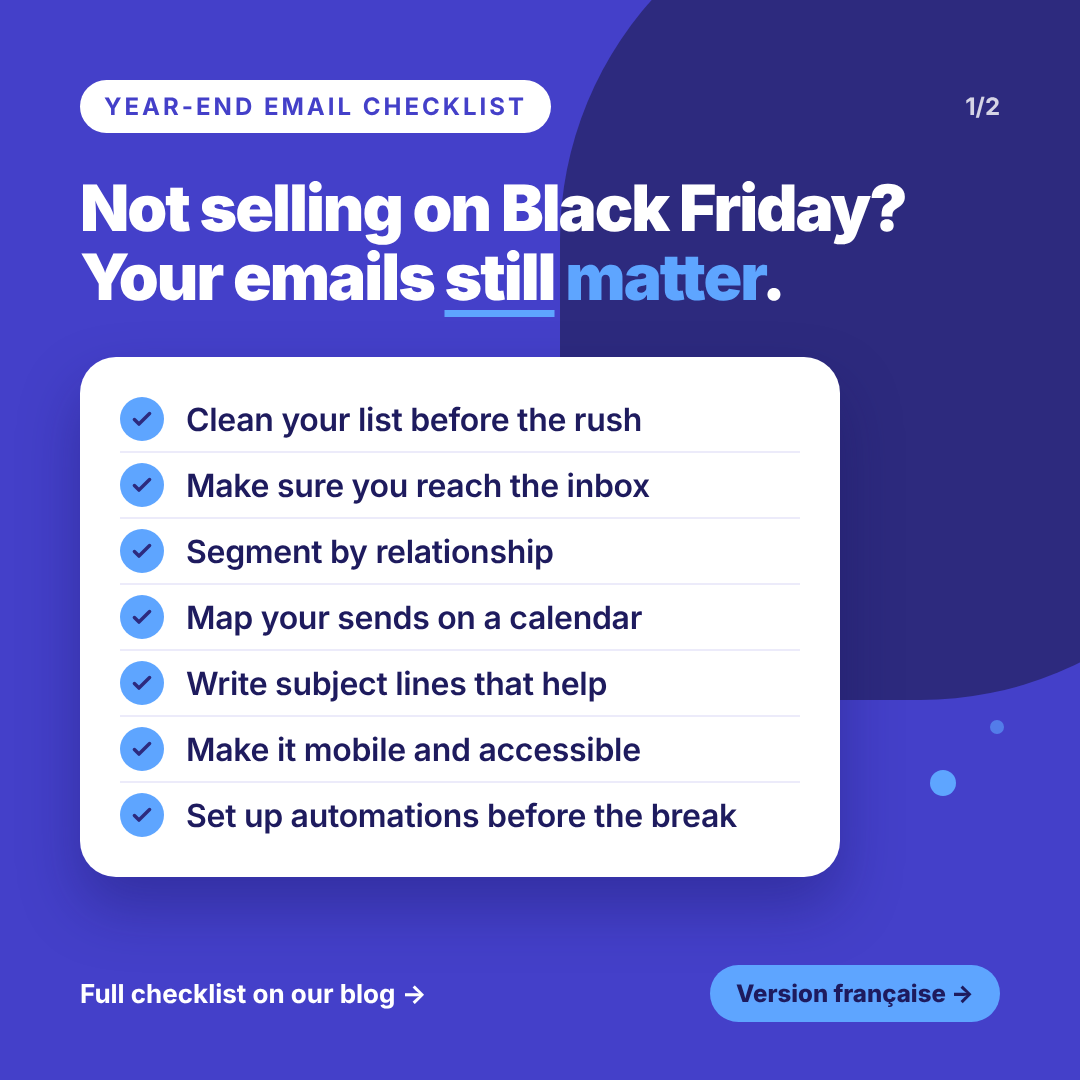
Your 7-Step Year-End Email Checklist
Step 1: Clean Your List Before the Rush
Sending to old or invalid addresses is never a great idea. Doing it during the busiest weeks of the year is worse: every bounce chips away at your sender reputation exactly when you need it most. Remove hard bounces. Set aside contacts who haven't opened anything in six months or more. And check consent under CASL: implied consent usually expires two years after someone's last transaction or interaction with you, so that list from a 2023 event may no longer be fair game. Here's what it looks like in practice:
- A food bank: before the holiday appeal, send a short "Still want to hear from us?" email to donors who haven't given or opened in 18 months.
- A school board's HR team: make sure staff hired since September are on the internal list, and that people who left aren't.
Step 2: Make Sure Your Emails Reach the Inbox
Inbox providers are strictest when volume is highest. If your sending domain isn't authenticated with SPF, DKIM and DMARC, now is the time to fix it. Make your unsubscribe link easy to find, too. Someone who can't unsubscribe will report you as spam instead. Then look at your sender name. Your readers should recognize it in half a second.
- Weak: Communications Department
- Strong: City of Lakeview
- Weak: noreply
- Strong: Marie Tremblay, Tremblay Law
Step 3: Segment by Relationship, Not Just by List
This is where most holiday emails go wrong. One message for everyone feels generic, and generic gets deleted. Ask yourself: where does each person stand with us right now, and what do they need from us before the year ends? The answer gives you your segments.
- A community foundation: donors who already gave this year get a thank-you and an impact update, not another ask. Past donors who haven't given yet get the appeal.
- A town: if collection schedules differ by neighbourhood, each area gets only the dates that apply to it.
- A real estate broker: past clients get a thank-you and a local market recap. Active buyers and sellers get your availability over the holidays.
- A hospital: shift workers need schedules and coverage. Office staff need closure dates. Same organization, different emails.
Writing tip: if a sentence in your email only applies to half your list, that's a sign you need two segments.
Step 4: Map Every Send on One Calendar
Write down every email you plan to send from now to mid-January, with its date and audience. It takes 20 minutes, and you'll immediately spot the problems: three emails to the same people in one week, or no reminder before an important deadline.
- A charity: GivingTuesday appeal on December 1, an impact story mid-December, a "last chance for your 2026 tax receipt" email on December 29, and a short final note on the evening of December 31.
- A town: announce closures and collection changes about two weeks ahead, then send a short reminder a few days before. Don't wait until the week of December 21.
- A professional association: schedule renewal reminders at 60, 30 and 7 days before expiry, and skip December 24 and 25.
Step 5: Write Subject Lines That Help the Reader
In a crowded inbox, clear beats clever. Put the useful part in the first few words.
- Weak: Holiday notice
- Strong: Your garbage pickup moves to Saturday this week
- Weak: Season's greetings from the clinic
- Strong: Need an appointment before the holidays? Book by Dec 18
- Weak: Our year-end campaign
- Strong: Give by Dec 31 and get your 2026 tax receipt Notice the pattern? Every strong subject line answers the reader's first question: "What's in it for me?"
Step 6: Make It Easy to Read, on Any Phone, for Anyone
Most people will read your email on their phone, between two other things. Use one column, short paragraphs and one clear button. And put the important information in the text, not only in an image. A schedule saved as a picture can't be read by screen readers, and it may not load at all. For municipalities and public organizations, accessibility isn't a bonus: it's part of serving every resident.
- A city or public agency: give each change its own line, with the date. "Friday, Dec 25: no collection. Your pickup moves to Saturday, Dec 26." Then tell residents what they can still do while offices are closed: pay online, use the drop box, call the emergency line.
- A manufacturer's internal comms team: employees on the floor should see the one thing they need first, like their schedule or a deadline.
Step 7: Set Up Your Automations Before the Break
Your team deserves time off. Your audience still needs answers. Automations let you have both.
- A dental or medical clinic: automated appointment reminders keep running, even when the front desk is short-staffed.
- A law or accounting firm: an auto-reply with your holiday hours and an emergency contact.
- A charity: an instant thank-you and tax receipt for every online gift, plus a welcome series for first-time GivingTuesday donors.
- Everyone: a welcome email for new subscribers, so people who sign up over the holidays hear from you right away, not in January.
Bonus: Don't Go Quiet in January
Most organizations disappear from the inbox after the holidays. That's exactly why January is a great time to show up.
- Charities: send a real thank-you, and show what year-end gifts made possible. Donors who feel appreciated are more likely to give again.
- Cities, schools and public agencies: share what's coming in the new year: key dates, winter services, registrations.
- Firms and associations: a short "what changes in 2027" note keeps you top of mind, and a friendly follow-up brings back members who haven't renewed.
- Internal comms teams: share the year's results and next year's priorities while everyone is back and paying attention. Then look at your numbers (opens, clicks, donations, renewals, replies) and write down what to repeat next year. Future you will be grateful.
Frequently Asked Questions
When should we announce holiday closures? About two weeks ahead, with a short reminder a few days before. That gives residents, clients, and employees time to plan, without the message getting lost.
Is it okay to send a holiday greeting with no call to action? Absolutely. A short, personal thank-you with no ask is one of the best ways to build trust, especially for professional services and associations. Keep it brief and sign it with a real name.
Start Small, Start Now
You don't need to do everything this week. Clean your list. Schedule your closure notice. Pick one segment and write it a better email. Then enjoy the break. You may not be running a Black Friday sale, but your year-end emails can still be the ones people actually open.
Ready to plan your year-end emails? Log in to Cyberimpact to build your segments, schedule your sends and set up your automations before the holidays. New to Cyberimpact? Create a free account.